Understanding VPNs: Types, Uses, and How to Implement Them
What Is a VPN and How Does It Work?
A Virtual Private Network (VPN) is a technology that creates an encrypted, authenticated tunnel between two endpoints over a public or untrusted network. In practical terms, it lets a device on the open internet communicate as if it were directly connected to a private network — with traffic protected from interception along the way.
The core mechanism relies on two complementary processes: tunneling and encryption. Tunneling encapsulates the original network packet inside a new packet, effectively hiding its destination and content from intermediate nodes. Encryption — typically AES-256 or ChaCha20 depending on the protocol — ensures that even if traffic is intercepted, it remains computationally infeasible to decode without the correct keys.
When a client connects to a VPN gateway, a handshake occurs: both sides authenticate each other and negotiate session keys. From that point forward, all traffic between the client and the gateway flows through the encrypted tunnel. The VPN server then forwards requests to the destination on the client's behalf, masking the client's original IP address from the target server.
This architecture matters because it shifts trust. Instead of trusting the network path (which you often can't control), you trust the VPN endpoint and the cryptographic guarantees of the protocol itself.
Core VPN Protocols Explained
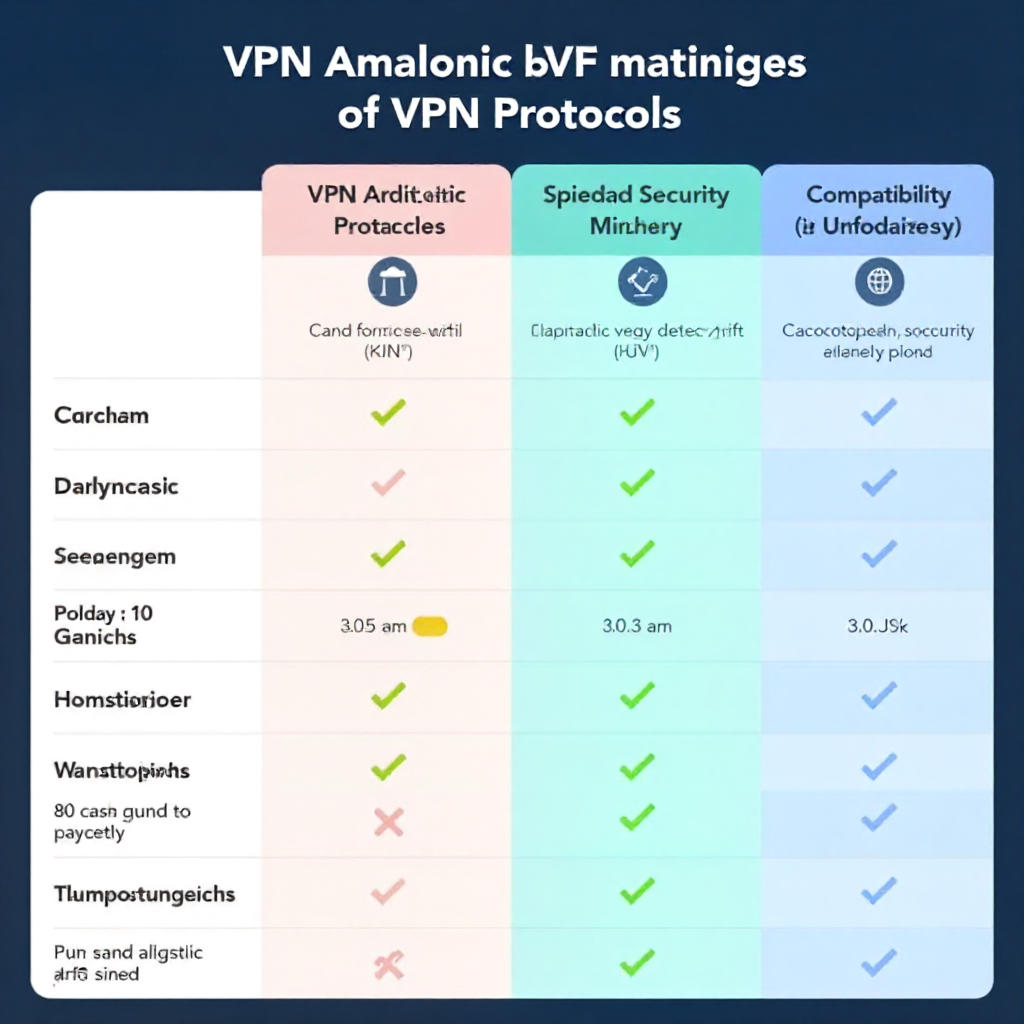
The tunneling protocol determines how a VPN establishes, secures, and maintains its connection. Choosing the wrong one for your environment is one of the most common implementation mistakes — each protocol involves real trade-offs in speed, security, and compatibility.
OpenVPN
OpenVPN is a mature, open-source protocol that runs over SSL/TLS. It's highly configurable and works on virtually every platform. The downside: it's not the fastest option, and its complexity means misconfiguration is a real risk. In enterprise deployments, it's valued for its auditability and wide firewall traversal capability (it can run over TCP port 443, making it hard to block).
WireGuard
WireGuard is the newest major protocol and has rapidly become a preferred choice for performance-sensitive deployments. Its codebase is roughly 4,000 lines — compared to OpenVPN's hundreds of thousands — which makes it easier to audit and less likely to contain hidden vulnerabilities. Throughput benchmarks consistently show WireGuard outperforming OpenVPN and IPSec by a significant margin on equivalent hardware. The trade-off: it has a smaller configuration surface, which means less flexibility for complex enterprise scenarios.
IPSec and L2TP/IPSec
IPSec operates at the network layer and is natively supported by most operating systems and network hardware. It's the backbone of many site-to-site VPN deployments. L2TP is often paired with IPSec to add tunneling capability that IPSec alone doesn't provide. The combination is solid and widely compatible, but IPSec can struggle with NAT traversal and is sometimes blocked by aggressive firewalls.
SSTP
Secure Socket Tunneling Protocol (SSTP) is a Microsoft-developed protocol that tunnels traffic over HTTPS. It integrates tightly with Windows environments and is effective at bypassing firewalls, but its closed-source nature and limited cross-platform support make it a niche choice outside of Windows-centric infrastructures.
Types of VPNs: Remote Access vs. Site-to-Site vs. Client-Based
VPN architectures fall into three main categories, each addressing a different connectivity problem. Conflating them leads to poor deployment decisions.
Remote Access VPN
A remote access VPN connects individual users to a central network. This is the model most people encounter — a laptop at home tunneling into a corporate network through a VPN gateway. The gateway authenticates the user, assigns a private IP address, and routes traffic accordingly. This architecture scales well for distributed workforces but creates a hub-and-spoke dependency on the central gateway.
Site-to-Site VPN
A site-to-site VPN connects two entire networks — typically two office locations or a branch office to a data center. Rather than individual clients establishing tunnels, dedicated VPN routers or firewalls at each site maintain a persistent tunnel. Users on either network communicate as if they're on the same LAN, with no client software required on their devices. This is the standard architecture for inter-office connectivity in enterprises.
Client-Based (SSL/TLS) VPN
Client-based VPNs, sometimes called SSL VPNs, operate at the application layer rather than the network layer. Users access resources through a web browser or a lightweight client without needing full network-layer integration. This makes them easier to deploy for contractor or third-party access scenarios where you want granular control over which resources are reachable.
Common Use Cases for VPNs
VPNs solve specific, well-defined problems. Understanding the use case first prevents over-engineering or under-engineering the solution.
- Remote workforce connectivity: Employees working from home or traveling need secure access to internal systems — file servers, databases, internal web applications. A remote access VPN is the standard answer, though it's increasingly being supplemented or replaced by ZTNA in larger organizations.
- Securing traffic on untrusted networks: Public Wi-Fi at airports, hotels, or coffee shops is a legitimate threat vector. Routing traffic through a VPN tunnel prevents local network attackers from intercepting credentials or session tokens.
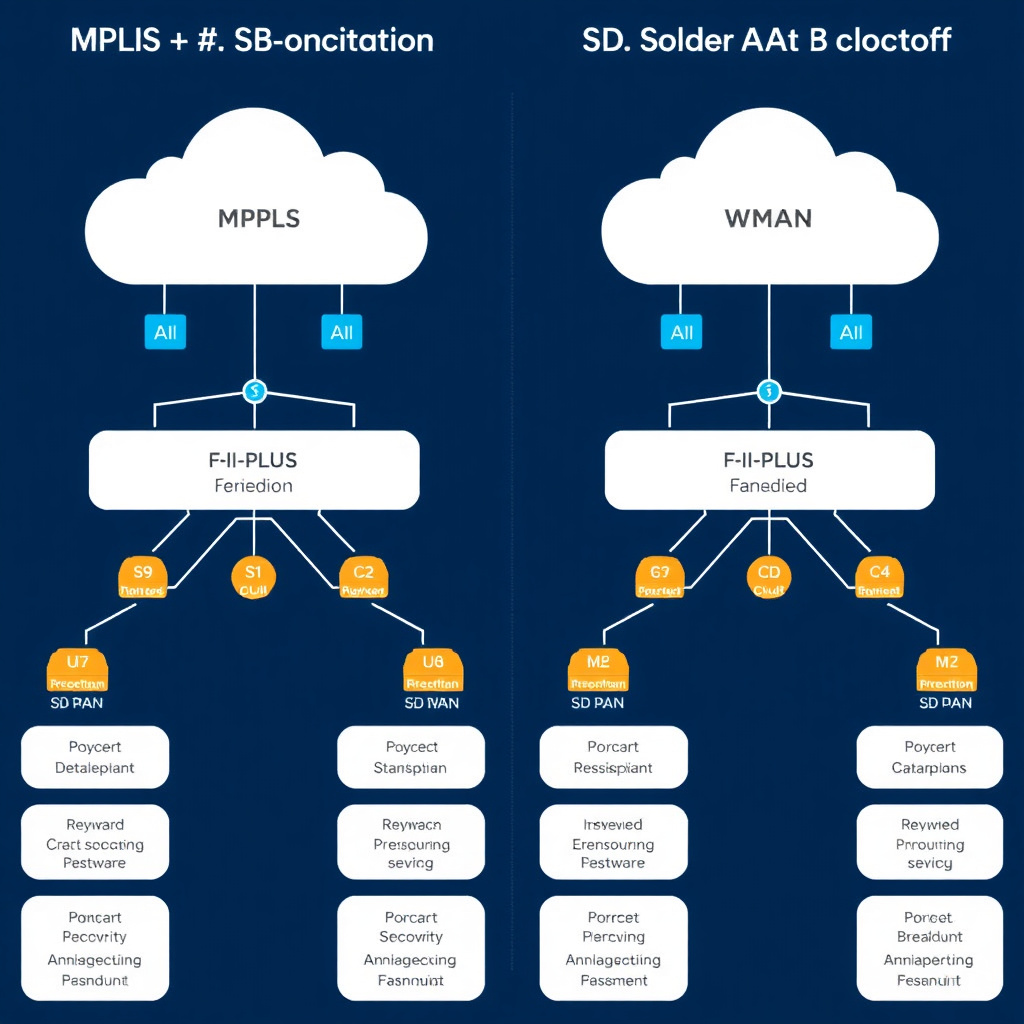
- Inter-office networking: Site-to-site VPNs allow branch offices to reach headquarter resources without expensive MPLS circuits. For smaller organizations, an IPSec tunnel between two firewall appliances is often a cost-effective alternative.
- Compliance and data sovereignty: Some regulatory frameworks require that data in transit between facilities be encrypted. A properly configured VPN can satisfy this requirement for many compliance regimes.
- Development and testing environments: Engineers frequently use VPNs to access staging servers, internal APIs, or isolated network segments without exposing those systems to the public internet.
How to Implement a VPN: Key Considerations
A successful VPN deployment requires decisions across four dimensions: protocol selection, gateway infrastructure, authentication, and traffic routing policy.
Protocol selection should follow the environment. WireGuard is the pragmatic choice for new deployments where performance matters and the client base is modern. IPSec remains the go-to for hardware-to-hardware site-to-site tunnels. OpenVPN is a reasonable default when cross-platform compatibility and deep configurability are priorities.
The VPN gateway — whether a dedicated appliance, a VM in your cloud environment, or software on a hardened Linux host — needs to be sized for concurrent connections and throughput. A gateway handling 500 simultaneous remote access sessions has very different resource requirements than one maintaining three site-to-site tunnels.
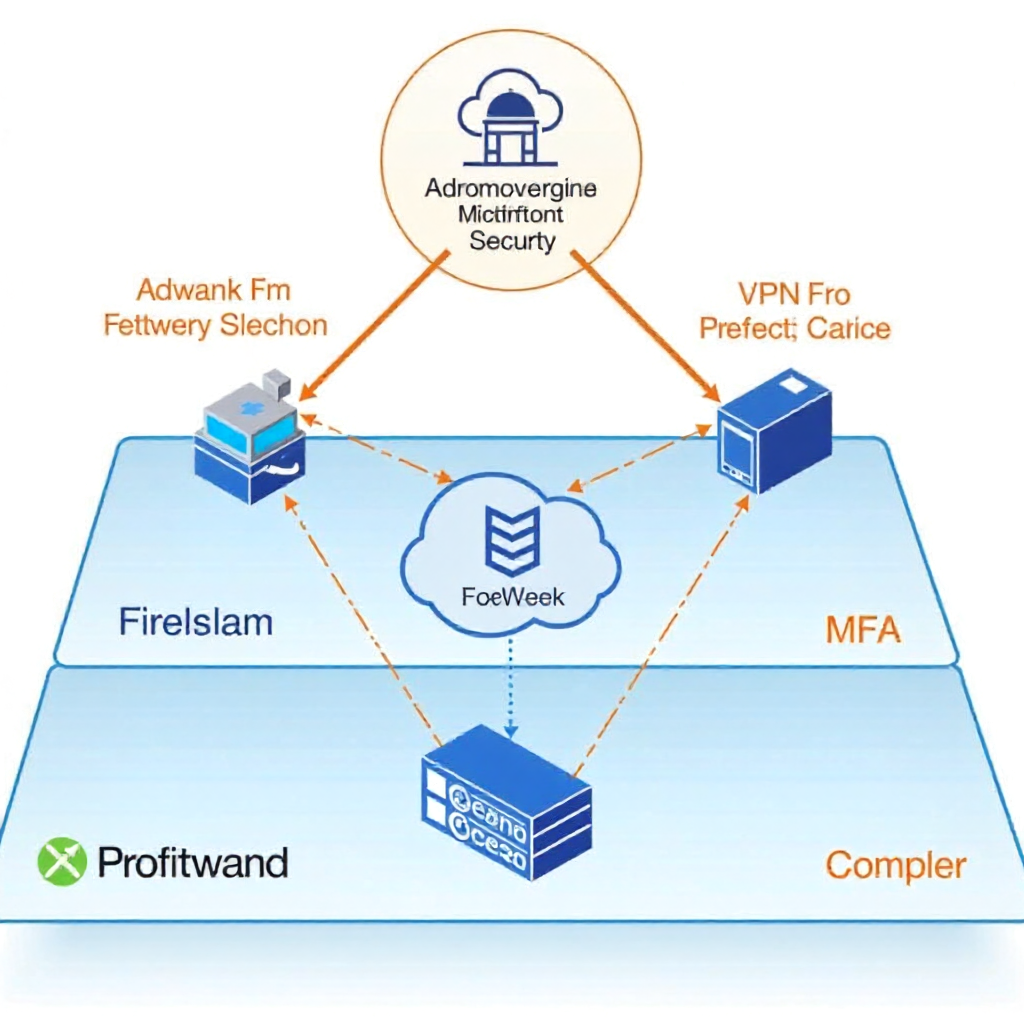
Authentication deserves careful thought. Certificate-based authentication is more secure than username/password alone, and multi-factor authentication (MFA) should be considered non-negotiable for any deployment with internet-facing endpoints. Integrating VPN authentication with an existing identity provider (LDAP, RADIUS, SAML) reduces administrative overhead and ensures that deprovisioning a user account also revokes VPN access.
Split tunneling is a routing configuration that determines which traffic goes through the VPN tunnel and which exits directly to the internet. Full-tunnel routing sends everything through the VPN gateway — simpler to reason about from a security standpoint, but it adds latency for non-corporate traffic and increases gateway load. Split tunneling routes only specific subnets or domains through the tunnel, which is more efficient but requires careful policy management to avoid routing sensitive traffic outside the tunnel unintentionally.
VPN Limitations and When to Consider Alternatives
VPNs are effective tools within a defined scope. They are not a comprehensive security solution, and treating them as one creates blind spots.
A VPN does not protect against threats originating from inside the trusted network. Once a device is authenticated and tunneled in, it typically has broad access to network resources — which is precisely the attack surface that lateral movement exploits. VPNs also add latency: every packet travels to the gateway before reaching its destination, which is noticeable for latency-sensitive applications like voice or real-time data processing.
On the privacy front, a VPN shifts trust from your ISP or local network to the VPN provider. It does not make you anonymous. DNS leaks, browser fingerprinting, and authenticated sessions all persist through a VPN tunnel.
Zero Trust Network Access (ZTNA) has emerged as an architectural response to these limitations. Rather than granting network-level access after authentication, ZTNA enforces per-application, per-session access decisions based on identity, device posture, and context. For organizations managing a large remote workforce or dealing with third-party access, ZTNA addresses the lateral movement problem that traditional VPNs leave open. The NIST SP 800-207 Zero Trust Architecture document provides a thorough framework for organizations evaluating this transition.
VPN Best Practices for Businesses and Individuals
Regardless of deployment type, a handful of operational practices separate secure VPN deployments from vulnerable ones.
- Keep VPN software and firmware updated. VPN gateways are internet-facing infrastructure and are actively targeted. Critical vulnerabilities in popular VPN products have been exploited within days of disclosure — patch cycles measured in weeks are not acceptable for these systems.
- Enforce MFA on all VPN endpoints. Credential stuffing and phishing attacks regularly yield valid VPN credentials. MFA breaks the attack chain even when credentials are compromised.
- Audit access logs regularly. Unusual connection times, geographic anomalies, or high-volume data transfers through a VPN session are indicators worth investigating. Log retention and alerting should be configured from day one, not retrofitted after an incident.
- Apply the principle of least privilege. VPN access should not mean access to everything. Segment your network so that VPN users can reach only the resources their role requires.
- Test failover and redundancy. For business-critical deployments, a single VPN gateway is a single point of failure. Plan for gateway redundancy and test it before it matters.
For individuals evaluating personal VPN services, prioritize providers that publish independently audited no-log policies and clearly disclose their jurisdiction. The protocol the service uses matters — a provider offering WireGuard or OpenVPN is making a more defensible technical choice than one relying on proprietary protocols.
Frequently Asked Questions
What is the difference between a VPN and a proxy?
A proxy routes traffic for specific applications (typically HTTP/HTTPS) through an intermediary server without encrypting it end-to-end. A VPN operates at the network layer, encrypts all traffic from the device, and provides a full tunnel rather than application-level redirection. For security purposes, a VPN offers substantially stronger protection.
Does a VPN make you completely anonymous online?
No. A VPN masks your IP address from destination servers and encrypts traffic from your ISP, but it does not prevent tracking via cookies, browser fingerprinting, or authenticated accounts. Anonymity requires a much broader operational security posture than a VPN alone provides.
Which VPN protocol is the most secure?
WireGuard and OpenVPN are both considered cryptographically strong when properly configured. WireGuard's smaller attack surface gives it an edge from an auditability standpoint. IPSec with IKEv2 is also robust for site-to-site use. The weakest link in any deployment is usually configuration and authentication, not the underlying protocol.
Can a VPN slow down your internet connection?
Yes, to varying degrees. Encryption and decryption add CPU overhead, and routing traffic through a gateway adds latency proportional to the geographic distance. WireGuard typically introduces less overhead than older protocols. A well-provisioned gateway close to the user base will minimize the performance impact.
What is split tunneling and when should you use it?
Split tunneling routes only designated traffic through the VPN while other traffic exits directly to the internet. It reduces gateway load and improves performance for non-corporate traffic. Use it when bandwidth efficiency matters and you have a clear, enforced policy defining which traffic must traverse the tunnel — otherwise it can inadvertently expose sensitive traffic.